PingKit vs Wireshark
This one isn't close, and it's worth saying so plainly: Wireshark inspects individual packets at the byte level, and nothing on iOS does that, PingKit included - Apple's own platform rules prevent it. What PingKit offers instead is service-level diagnostics, a different and much narrower job.
Wireshark is free, open-source packet capture and protocol analysis software for Windows, Mac, and Linux, the standard tool for inspecting exactly what's being sent and received at the network level. It has no iOS app and, per Wireshark's own project wiki, isn't likely to get one - it's GPL-licensed, which conflicts with App Store policy, and iOS requires root-level access to the packet-capture interfaces Wireshark depends on, access the platform doesn't grant third-party apps. PingKit's HTTP Analyzer, MTR, and DNS Lookup work within what iOS actually permits: service-level checks, not packet inspection. We make PingKit, so weigh that accordingly.
What Each One Actually Is
| Capability | PingKit | Wireshark |
|---|---|---|
| Platform | Native iPhone/iPad app | Windows/Mac/Linux desktop only |
| Official iOS app | Yes | None - not possible under App Store rules |
| Byte-level packet capture and inspection | Not offered - not possible on iOS | Yes, its core function |
| Protocol dissection (hundreds of protocols) | Not offered | Yes |
| HTTP response headers, status, timing | Yes, HTTP Analyzer | Yes, via packet inspection |
| Per-hop route tracing | Yes, MTR | Not the point of the product |
| Setup | Download, tap, done | Install, learn the interface and filters |
| Cost | Free | Free, open source |
Where Wireshark Wins
For anything requiring actual packet-level detail - debugging a protocol handshake, inspecting exactly what a suspicious app is sending, or deep security analysis - Wireshark is the standard and nothing on iOS comes close. This isn't a PingKit gap specifically; it's a hard platform limit. The one supported workaround, even from Apple, is connecting an iPhone to a Mac over USB and capturing its traffic in Wireshark running on the Mac - the capture still happens on the computer, not the phone itself.
Where PingKit Wins
Most day-to-day questions don't actually need packet contents - they need "is this responding, how fast, and via what route." HTTP Analyzer answers the first two without a terminal, MTR traces the route with per-hop loss and latency, and DNS Lookup covers DNS-specific questions - all from an iPhone, in a tap, free.
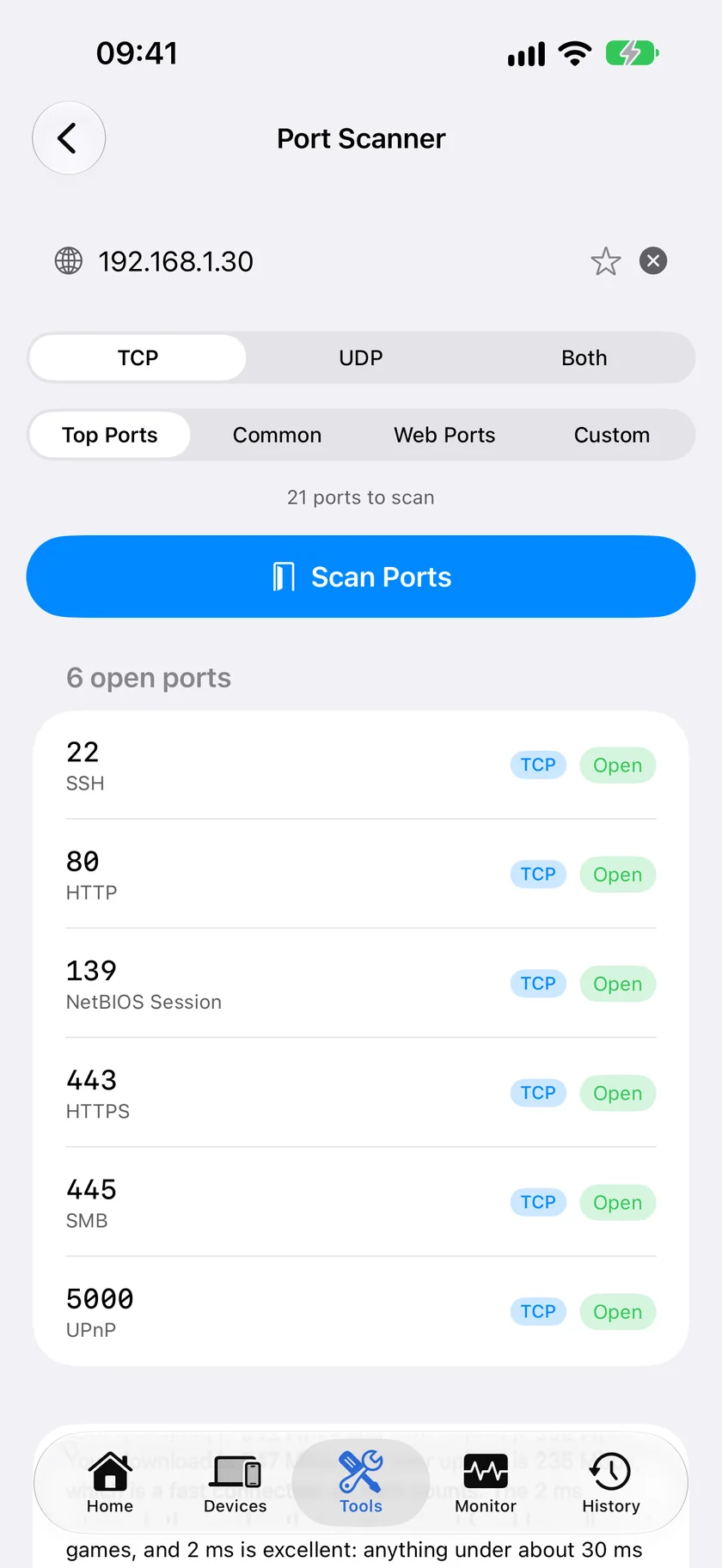
The honest recommendation: if the question is "what exactly is inside this traffic," you need Wireshark on a computer - full stop. If the question is "is this service working correctly right now, from where I'm standing," PingKit answers that from your pocket without needing a laptop at all.
Which Should You Choose?
- Byte-level packet inspection, protocol debugging: Wireshark, on a computer. Nothing on iOS replaces this.
- Quick service-level check - is it responding, how fast: PingKit's HTTP Analyzer and MTR.
- Want both, for different moments: Common among developers and IT professionals.
- Want the rest of a network toolkit regardless: Download PingKit free - 19 tools included.
More Comparisons
- PingKit vs Nmap
- PingKit vs PingPlotter
- PingKit vs Network Analyzer
- PingKit vs Fing
- Wireshark for iPhone (2026): The Real Way to Capture iOS Traffic
- Nmap for iPhone (2026): What Actually Runs on iOS
- Every PingKit comparison
Try PingKit Free
19 network tools including HTTP Analyzer and MTR, no ads, no account.
Download PingKit Free