Mesh WiFi Dead Zones: How to Find and Actually Fix Them
Mesh WiFi is supposed to solve dead zones, not have them. When it still does, the instinct is to buy another node - but in most cases, the actual problem is where the nodes you already have are sitting, not how many of them you own.
Find the Exact Drop-Off Point
Don't guess from your couch. Walk the space with Connection Monitor, checking latency, jitter and packet loss room by room. The drop-off is usually more precise than people expect - often a specific hallway, one back bedroom, or the far side of a particular wall, not a vague "upstairs is just bad" problem. Knowing the exact boundary tells you exactly which node's placement to fix.
The Usual Culprits
- Nodes spaced too far apart - each node needs a strong connection to the previous one (the "backhaul"). Too much distance between them weakens every node further down the chain, not just the last one.
- Line-of-sight blockers - a brick or concrete wall, a large mirror, a metal appliance, or a fish tank between nodes can cut signal more than distance alone would suggest.
- Nodes placed low or in corners - WiFi radiates outward, not down through a floor efficiently. A node tucked in a low cabinet or corner covers a fraction of what the same node would from an open, elevated spot.
- Too few nodes for the square footage - the actual "need another node" case, but only after placement is confirmed to not be the issue.
Fixing It Without New Hardware
Start by moving the node closest to the dead zone - even a few feet, or out of a cabinet and onto an open shelf, can measurably change coverage. Re-test with WiFi Analyzer after each change rather than moving multiple things at once; it's the only way to know which change actually helped. If the backhaul between two nodes is the weak link, try moving the middle node roughly halfway between the router and the dead zone instead of pushing it further out.
Only add a node after ruling out placement. A poorly placed extra node doesn't fix a dead zone - it just gives you a second poorly placed device. Confirm the drop-off point and rule out backhaul and obstruction issues first.
Every fix on that list needs the same before-and-after reading, taken in the same spot. Once a second, with jitter, packet loss and a stability score beside the latency: Internet Connection Monitor for iPhone and Mac
Mesh vs. a Single Extender
For one persistent dead zone in an otherwise well-covered home, a single extender is often the simpler, cheaper fix - see our full mesh vs. extender comparison for the tradeoffs. For patchy coverage spread across multiple rooms, a properly placed mesh system tends to hold up more consistently than patching extenders in one at a time.
Confirming the Fix Actually Worked
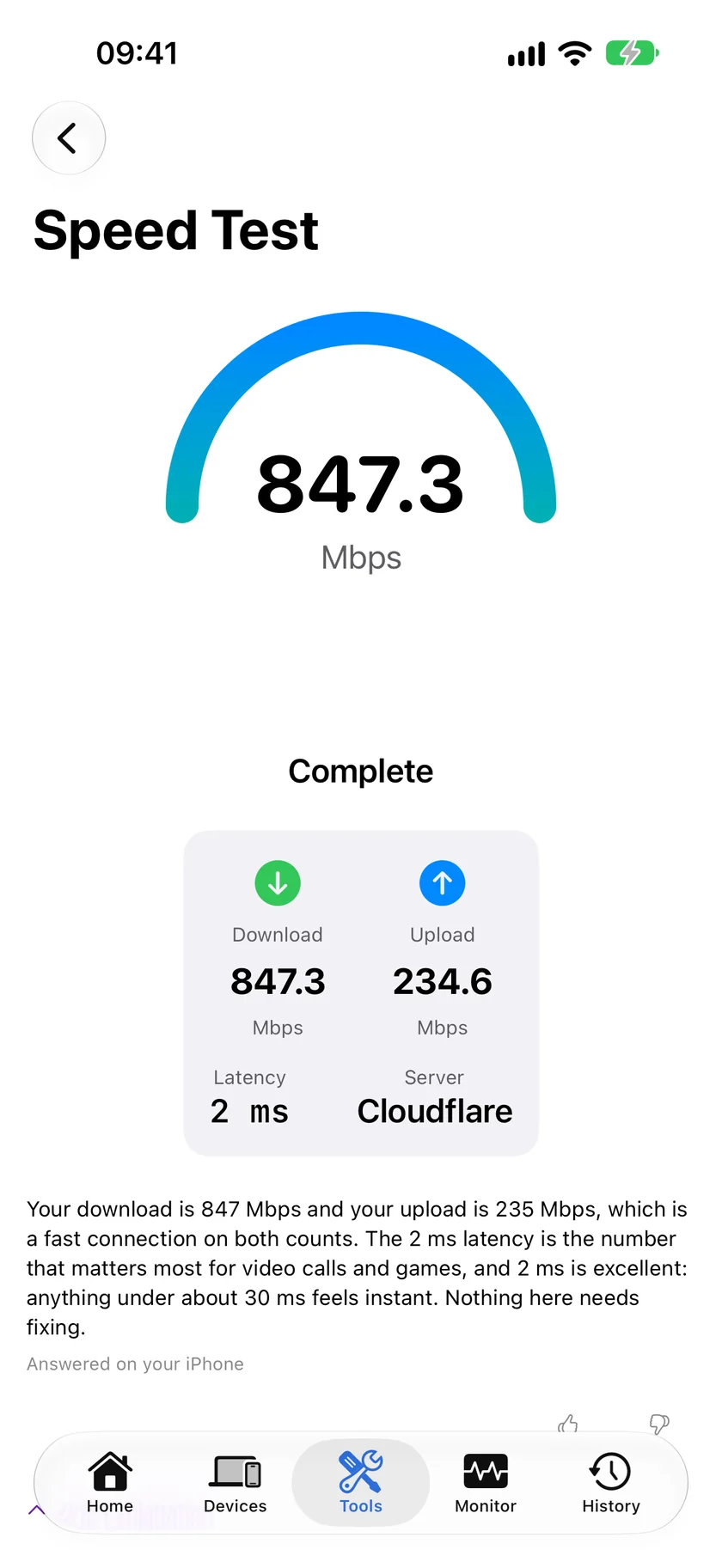
Once you've repositioned a node, don't just eyeball the signal bars - run Speed Test in the previously dead spot to confirm throughput actually improved, not just that a bar or two showed up. Strong-looking signal with a weak backhaul can still deliver disappointing real-world speed.
Related Articles
- Mesh WiFi vs. WiFi Extender
- How to Fix Slow WiFi on iPhone
- Is It Your WiFi, Your Router, or Your ISP?
- WiFi Analyzer for iPhone
- Sonos Keeps Dropping Off WiFi: How to Find Out Why
- Smart Plug Keeps Disconnecting From WiFi: How to Diagnose It
- Apple TV Not Showing Up in AirPlay: How to Find It
Map Your Coverage Room by Room
WiFi Analyzer and Speed Test, free, no account. 17 more tools included.
Download PingKit