PingKit vs WiFiman
Both apps are completely free with no ads. The real question isn't price - it's whether you own the hardware WiFiman is built around.
WiFiman is Ubiquiti's free network diagnostic app, and it's genuinely well-regarded: 4.8 stars across roughly 39,000 App Store ratings. It's built as a companion to Ubiquiti's UniFi networking gear, though its basic scanning and speed test work on any network. We make PingKit, so take the comparison below with that in mind - but the facts are checked against both apps' current App Store listings.
Feature-by-Feature
| Capability | PingKit | WiFiman |
|---|---|---|
| Device discovery | Yes, free | Yes, free |
| Speed test | Yes, free | Yes, free (with history) |
| AP channel/placement optimization | Not offered | Yes, UniFi hardware only |
| Remote VPN access to your network | Not offered | Yes, via Teleport (UniFi only) |
| Security scan + score | Yes, free | Not offered |
| Port scanner / SSL inspector / DNS / Whois | Yes, free (19 tools) | Not offered |
| Wake on LAN | Yes, free | Not offered |
| Background monitoring + new-device alerts | Free Mac Agent | Not offered |
| Works with any router | Yes | Yes, for basic features |
| Ads | None | None |
| Price | Free + optional $2.99/mo | Free |
Where WiFiman Wins
If you actually run Ubiquiti UniFi access points, WiFiman does something PingKit doesn't attempt: it reads your AP's real channel and interference data and recommends better channels and placement, and its Teleport feature gives you a built-in, no-configuration VPN back into your own UniFi network from anywhere. Those two features alone are a good reason to keep WiFiman installed if you're a UniFi household - they're specific to Ubiquiti's ecosystem and PingKit, being vendor-agnostic, has no equivalent.
Where PingKit Wins
Everyone who isn't running UniFi gear, and every job outside AP tuning. PingKit works identically well on any router - eero, Google WiFi, an ISP's all-in-one gateway, whatever you have - and bundles security scanning, a port scanner, SSL inspection, DNS and Whois lookups, Wake on LAN, and 10 more tools alongside device discovery and speed test - all free. WiFiman is a manual, on-demand scanner; if you want to know the moment an unfamiliar device joins your network without opening an app, PingKit's free Mac Agent watches continuously while the Mac is awake and sends a notification.
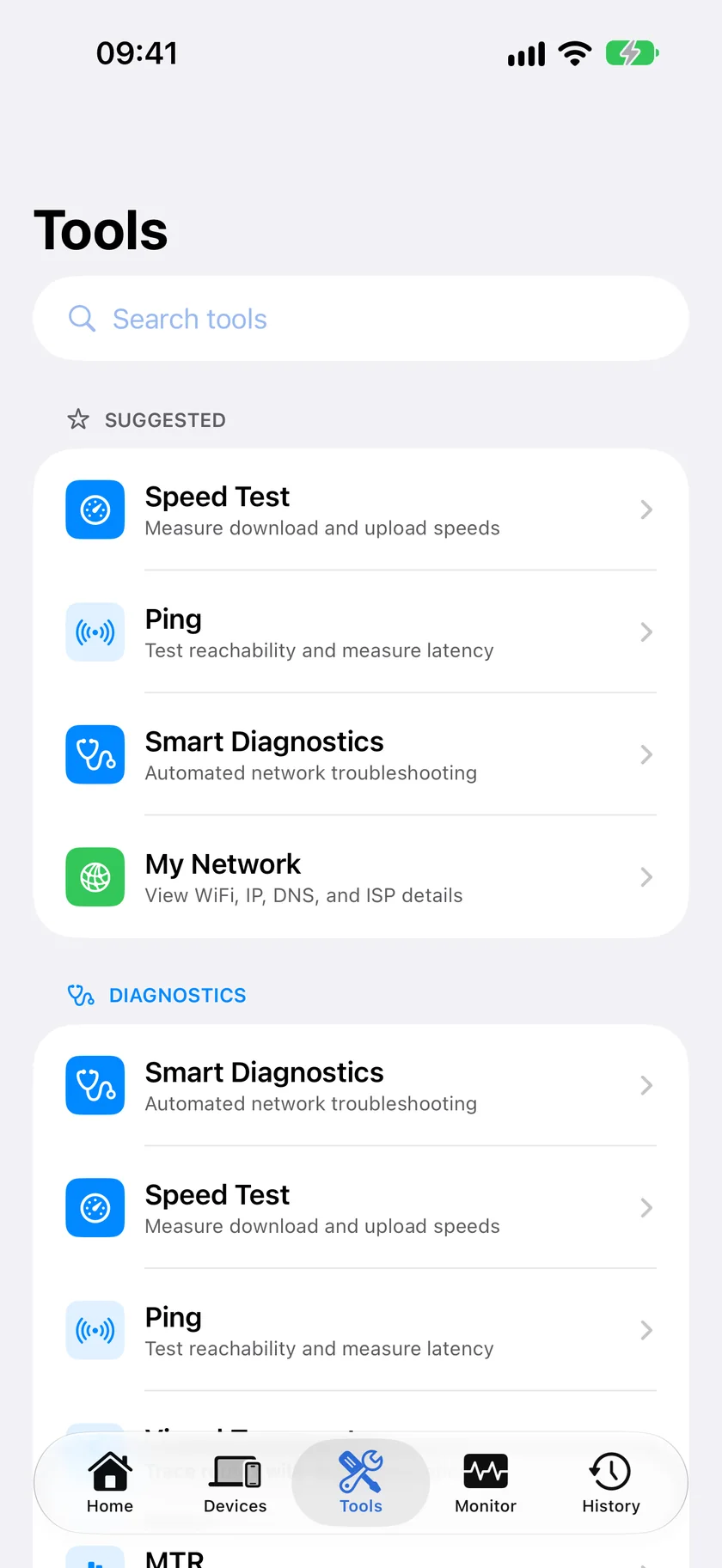
The ecosystem angle: WiFiman's best features are genuinely free, but they only unlock value if you've already bought into UniFi hardware. If your router isn't a Ubiquiti device, you're using WiFiman as a plain scanner and missing most of what makes it distinctive.
Which Should You Choose?
- You run Ubiquiti UniFi access points: Keep WiFiman installed for its channel tuning and Teleport VPN - PingKit doesn't replace those.
- You're on any other router, or want a broader free toolkit: PingKit.
- You want continuous monitoring with alerts, not just on-demand scans: PingKit + the free Mac app.