PingKit vs Fingbox
Fingbox isn't for sale anymore. If you're here because your box died or you found old reviews mentioning it, here's what actually replaced it - and how PingKit compares.
Fingbox was a small hardware device from Fing that sat on your network and handled continuous monitoring, device blocking, and presence detection. As of 2026, Fing's own pricing page no longer lists Fingbox as something you can buy, and it isn't offered alongside Fing's current plans. If you already own a working unit, nothing has changed for you. If you're shopping for one today, the honest answer is: you can't, at least not new from Fing.
What Replaced Fingbox
Fing didn't drop continuous monitoring - it moved it into software. Fing's plans now explicitly require "an active Fing Desktop, Fing Agent, or Fingbox" to run automated scans and checks, meaning a computer or the app itself does the always-on job the box used to do. That comes bundled with a subscription, not a one-time hardware purchase:
Fing Free
- Up to 3 scans/day
- Speed test
- Basic reporting
Fing Premium
- Continuous monitoring
- Block/limit devices
- Up to 2 networks
Fing Professional
- Everything in Premium
- Shared workspaces
- 3+ networks
Prices per Fing's pricing page and App Store listing, checked October 3, 2026. Annual billing is discounted (Premium $69.99/yr, Professional $149.99/yr). Fing also sells Starter ($3.99/mo, $39.99/yr) in its app, not on its website.
Feature-by-Feature
| Capability | PingKit | Fing (2026, post-Fingbox) |
|---|---|---|
| Device discovery | Yes, free | Free tier: 3 scans/day |
| Continuous monitoring | Free Mac Agent (while the Mac is awake) | Premium $7.99/mo (software, no hardware) |
| Security scan + score | Yes, free | Not on free tier |
| Ping / traceroute / MTR | Yes, free | Ping and traceroute, no MTR |
| Block devices / screen time limits | Not offered | Premium $7.99/mo |
| Full 19-tool kit (SSL, DNS, port scan...) | Yes, free | Ping, traceroute, DNS, port scan, speed test and Wake-on-LAN; not the rest |
| Hardware required | No | No (Fingbox discontinued) |
| Ads | None | Yes on the free tier; removable from $0.99 |
| Account required | No | Yes |
Where Fing (Still) Wins
Fing's device-identification database remains the largest in the category, and Premium's active device blocking and screen-time limits are genuinely useful for parental control if that's your priority - PingKit doesn't offer device blocking, only diagnostics and monitoring. If controlling what's on your network (not just watching it) matters most, Fing Premium is worth the $7.99/mo.
Where PingKit Wins
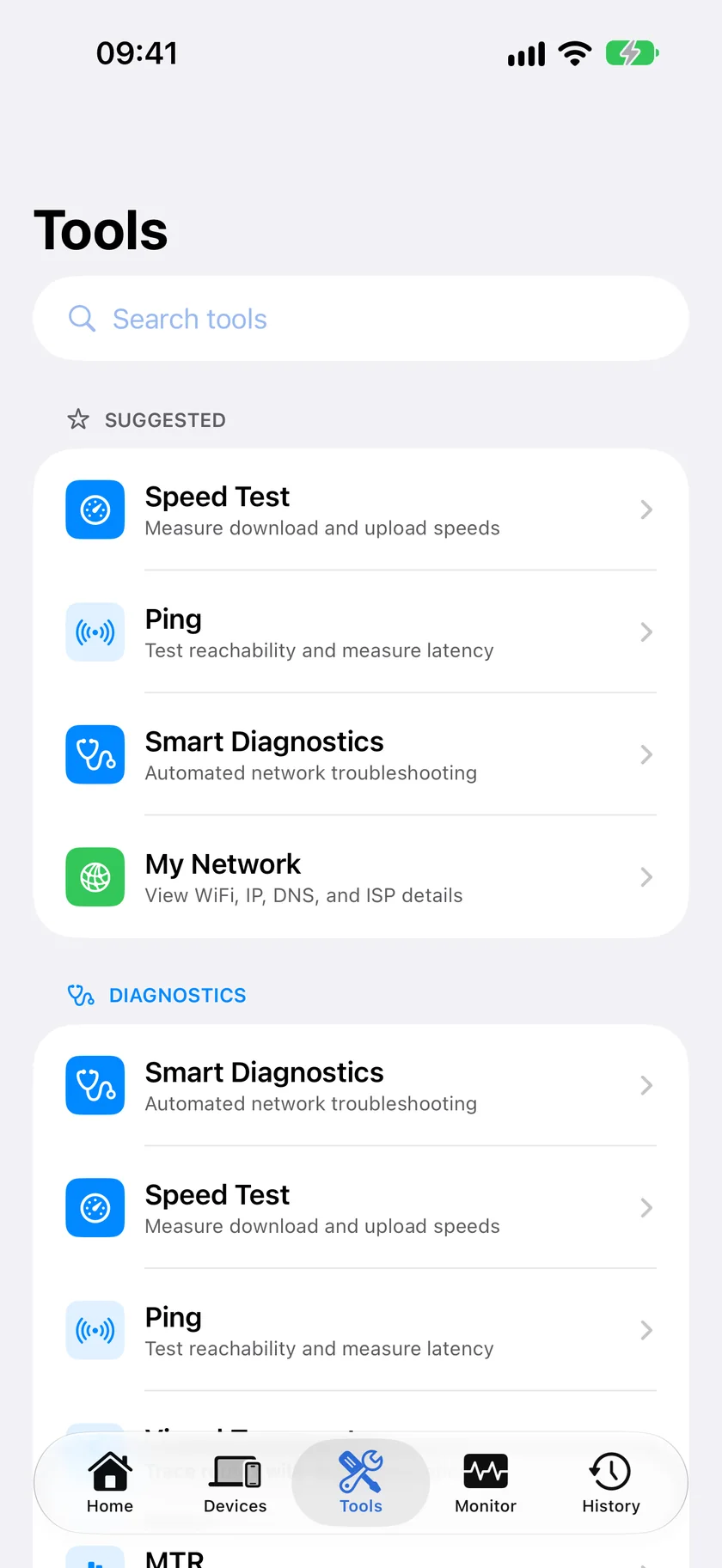
Breadth and price. PingKit bundles device discovery, security scanning, port scanning, ping, traceroute, MTR, SSL inspection, and 12 more tools - all free, no ads, no account. For the continuous monitoring that Fingbox used to provide, there is a free Mac menu bar Agent (which, like Fing Desktop, needs a computer left on and awake), and the optional Guardian subscription ($2.99/mo) that adds its dashboard to the iPhone app costs less than half of Fing Premium.
Still have a working Fingbox? Keep using it - this comparison is for people replacing one that died or shopping today and finding it's no longer sold. Existing units aren't bricked, but you shouldn't expect to buy a new one or long-term feature support.
Which Should You Choose?
- Want active device blocking and screen-time controls: Fing Premium, $7.99/mo.
- Want the widest free toolkit plus affordable monitoring from a Mac that stays awake, no extra hardware, ever: PingKit.
- Comparing the Fing app itself rather than Fingbox: see our PingKit vs Fing comparison.
More Comparisons
- PingKit vs Fing
- PingKit vs iNet
- PingKit vs Scany
- PingKit vs LanScan
- Fingbox Alternatives (2026): Software Options Without the Hardware
- Fing Alternatives for iPhone (2026): 5 Network Scanners Compared
- Every PingKit comparison
Try PingKit Free
19 network tools, no hardware, no ads, no account. Monitoring runs on a free Mac Agent while the Mac is awake, not on a box.
Download PingKit Free